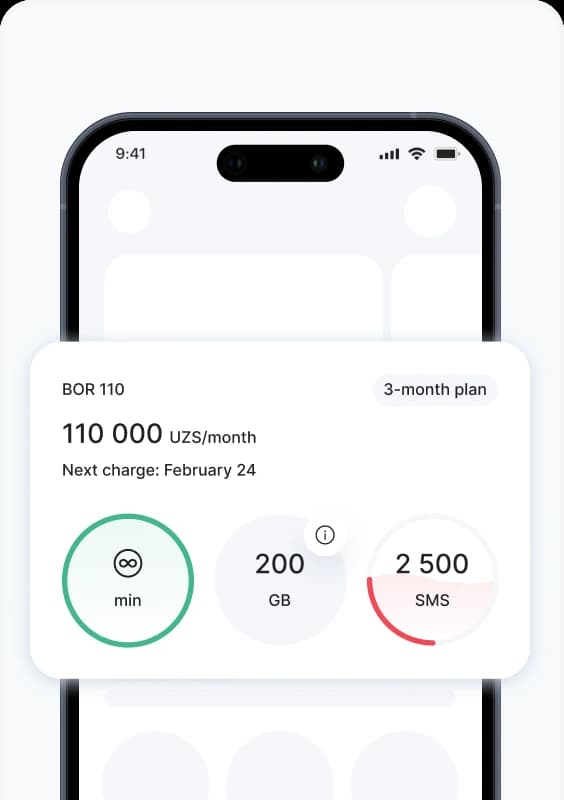
Ucell Mobile app


All the essential features are at your fingertips anytime & anywhere.

What is available with the Ucell mobile app?

• Balance controlling: Check your balance, instantly top up Ucell and the other mobile operators' numbers without commission via convenient way;

Cashback management under the +% Promotion: get 5% cashback when topping up balances within the app and save with Ucell on service payments and balance top-ups in the future;

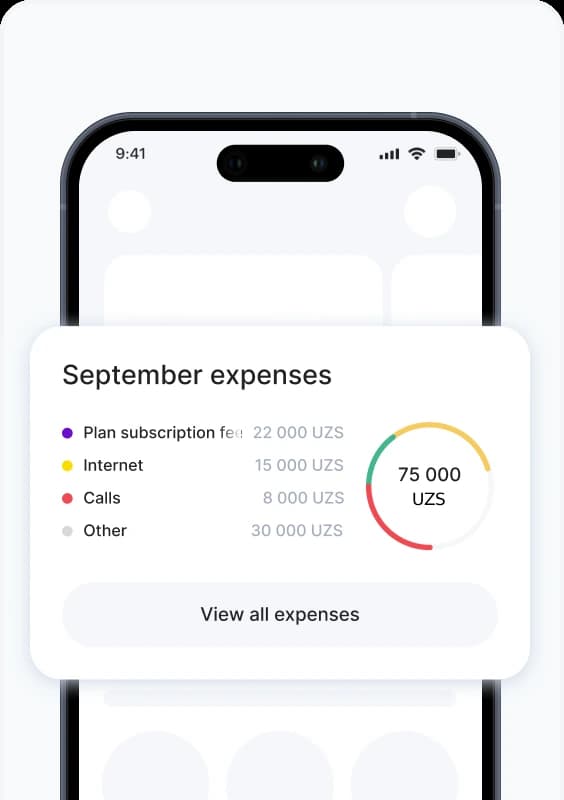
Expense history: Control your expenses and charges for the current period and past months with detailed breakdowns;

Traffic control: Check the remaining megabytes, minutes and SMS in real-time;

Tariff change: Change the tariff in just a few clicks—choose the one that suits you best;

Additional services: easily connect and disconnect various services provided by the Operator, as well as partner services;

International communication: Enable and disable roaming services, connect affordable travel packages and stay connected even abroad;

Care for your loved ones in one move: Add and manage multiple Ucell numbers at once — keep track of balances, top up quickly, and much more in just one click;

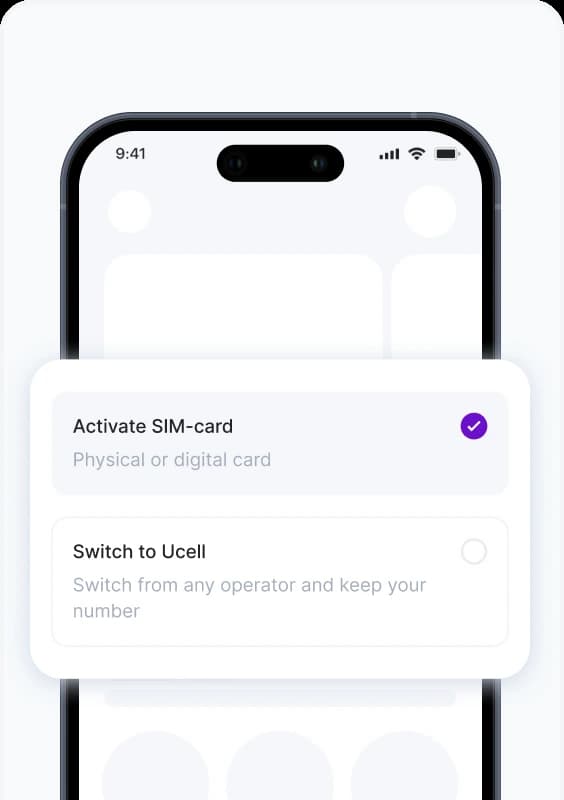
Physical SIM-card: Purchase SIM-card envelope from partners and activate it directly in the App without visiting Company offices;

Digital SIM card (eSIM): Get and activate eSIM directly in the App without visiting Company offices;

• Number Portability: The ability to switch your Operator and move to the Ucell network while keeping your number — all without the need to visit the Company’s offices;

Multiple numbers management: Add and manage multiple Ucell numbers in one App;

Autopayment: Don't worry about timely payment - with auto payments from Ucell you can set up regular payment according to the tariff, pay for home Internet, utilities and much more on time. Just select one of the linked bank cards in the mobile app and choose a convenient option - we will do the rest for you!


The Ucell mobile App also offers mobile banking features, allowing you to make payments for a wide range of services.


Why choose the Ucell App?

• User-friendly and simple interface;

• Complete security of your payments and personal data;

• Regular updates to enhance convenience and functionality;

• Possibility to take a part in Internet quality improvement - your feedback helps us enhance Internet;

• Quick access to most features without visiting Company offices - submit support requests anytime or activate roaming before traveling abroad.


The Ucell mobile App is continuously improving to make your experience with Ucell even more convenient and enjoyable.


More details about all the features of the Ucell mobile app is here.


Accesss to Ucell Mobile App for Android and iOS is here:


Ucell mobile application


Here, the subscriber can:

  • Get information about the status of your balance, as well as the current tariff plan, subscription fee, and the date of the next charge according to the tariff;
  • Find out the status of traffic balances and tariff details in “My tariff” section;
  • Get information about Internet, minutes and SMS limits by tariff terms and other activated services;
  • Manage entertainment services (OVVA TV, Yandex Plus, Games);
  • Get information about Internet, minutes and SMS limits by tariff terms and other activated services;
  • To change tariff or activate Restart service in the section "My tariff" (if it's provided by tariff terms);
  • To see the history of charges on communication services for the current period in the section "Expenses";
  • In the “Expenses” section a subscriber can also get the detailed information on the subscriber number for the previous 30 days in the XLS or PDF format.
  • View system alerts and all important notifications about key Operator events by tapping the “Bell” icon
  • In the promotional offers block, you can get up-to-date information about the company’s services in a vibrant and animated format.

Here, the subscriber can:

  • Bind his bank card (Uzcard, Humo) to refill the balance of subscriber’s own number and managed numbers, pay for mobile communications and other provided services. In addition, starting with version 1.21 of the Ucell mobile application, the ability to pay for Ucell communication services with Visa and MasterCard* cards has been added.

    *Visa and MasterCard cards issued by banks of the Russian Federation are currently not supported.

It’s no longer need to enter information manually – just scan the card using your phone camera or upload it from the gallery for new bank card addition to Ucell mobile app.

Refill the balance of Ucell and other mobile operators without commission.

  • Adjust the display of the balance (show or hide) of linked bank cards in Ucell app in case of need;
  • Manage the design of your bank cards in the application - using the “settings” icon, the subscriber can change the design: manage the color, background, fonts, or rename for individual convenience;
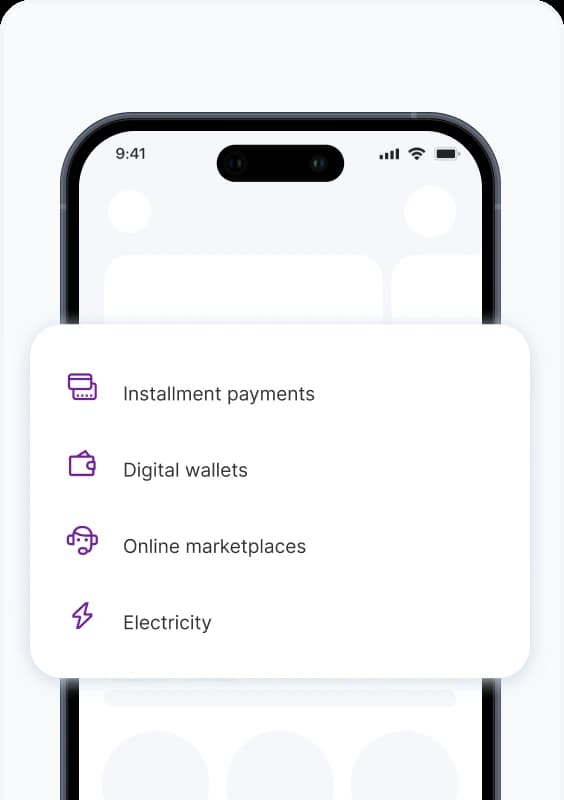
  • To pay for utilities, internet providers and other services providers by clicking on the “All” button;
  • Create and manage Autopayments in the Ucell mobile app - the subscriber can set any available payment automatically: Ucell or other mobile operators’ balance refill, paying for utilities, home Internet and other services. Even the bank loans can be paid in time!

Here, the subscriber can:

  • Get basic information of the services and offerings of content providers available for activation according to the subscriber account in the “All services” section - this section displays the services straightly corresponded to the tariff plan of current number.

If you need to find a specific service, just click on the Search button to find the desired service.

  • Connect, disconnect or suspend services for your number or numbers under your management in the “Connected services” section.

Here, the subscriber can:

  • Send an appeal to Ucell support team;
  • Find the addresses of Ucell service offices.


In this section, you can not only search for the addresses of the Company’s service offices but also get by schedule to all the needed office. In case off need it’s available to find via filter the services provided at a specific service poipoint as well. Using the filter, you can easily sort them by specific type.

Having made a choice, we will show the location of the office on the map and help to get directions in a way convenient for the subscriber.

  • To get information about frequently asked questions in "Frequently asked questions" section.

Find a convenient guide for App using viewed as a list or carousel in the “Tips” section.

Here, the subscriber can:

  • Customize your profile to suit your mood - by going to the “Screensaver” section, you can add a Name and set up an Avatar (select from the collection or add your personal photo from the gallery).

If you need to change a previously installed avatar to a new one, please, hold down the previously installed one for a few seconds and we will offer a window for selecting a new image.

  • In the “What’s new?” section we show the “Stories” of the current version of the app which describes the new features and added conveniences of current version with updates;
  • Add an e-mail address;
  • Change service language;
  • Disable / enable Touch ID or Face ID identification according to the device platform;
  • Change code for signing in;
  • Set a theme that suits you (light/dark) and text size (ordinary/enlarged);
  • Customize the App to match your style and mood –you can color the 'Main screen in any color you like via the “Main Screen Background” option;
  • Share the app with your contacts and friends – a convenient option to send the deeplink to install the Ucell Mobile App to address book’s contacts;
  • Rate the app - You can rate us! And also leave a comment in the section of the online application store AppStore or Google play, depending on the platform of your smartphone;
  • Review the necessary legal documents or information about the Company. Here you can go to the Company’s official pages on social networks;
  • Open sessions managing– added the ability to check additional devices on which the application is open for a given subscriber number. Here you can disable/stop viewing/managing number services from a specific device (if the subscriber has installed and monitors information on his number from another device, having previously entered the password from SMS or provided a password to enter the application from another phone. In this case, by changing the decision, the subscriber can disable control from another device);
  • Determine the current version of the application for a specific account;
  • Log out.